
Simple Shortcut to post Carousel images to LinkedIn
🔗Shortcuts,💼Business
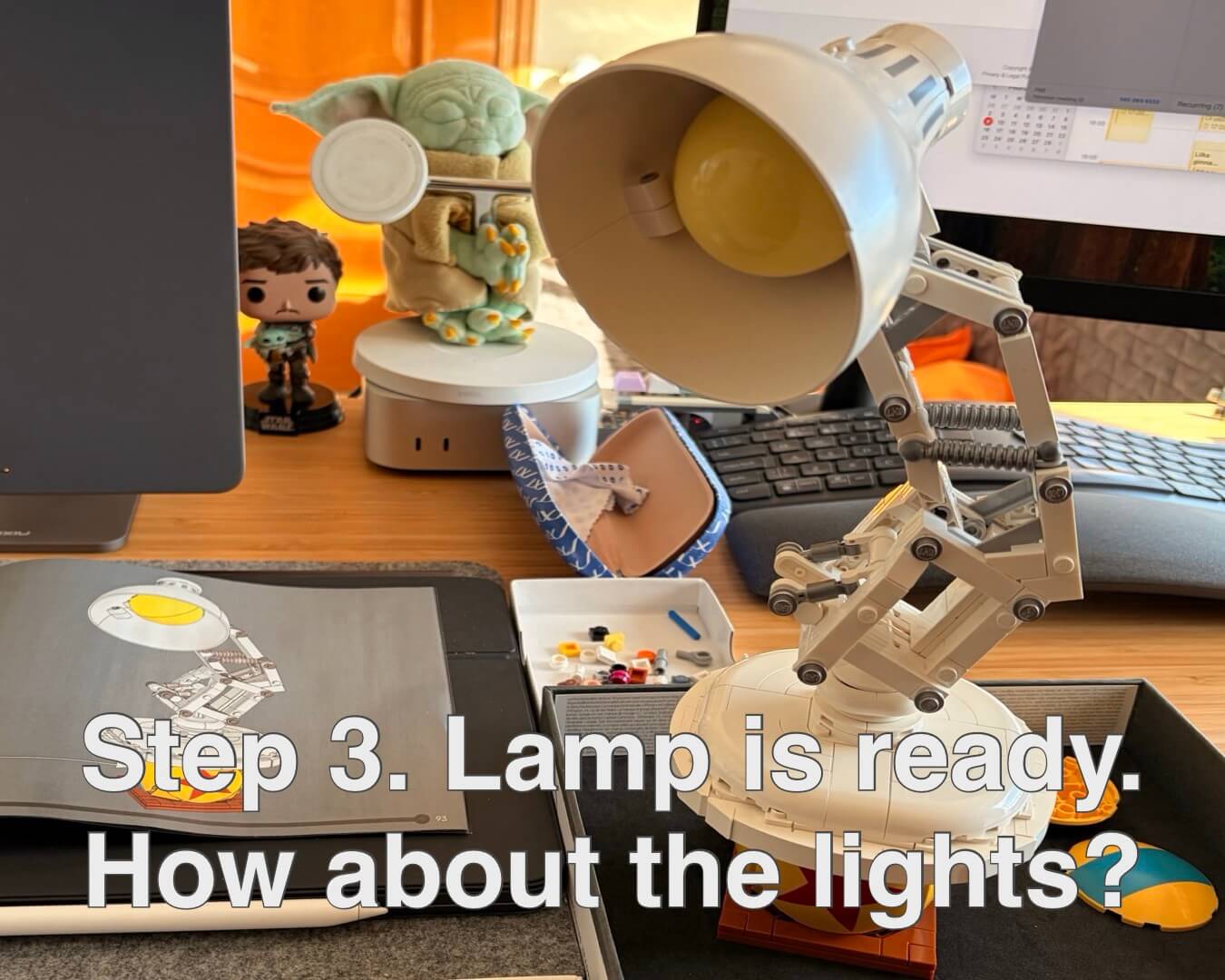
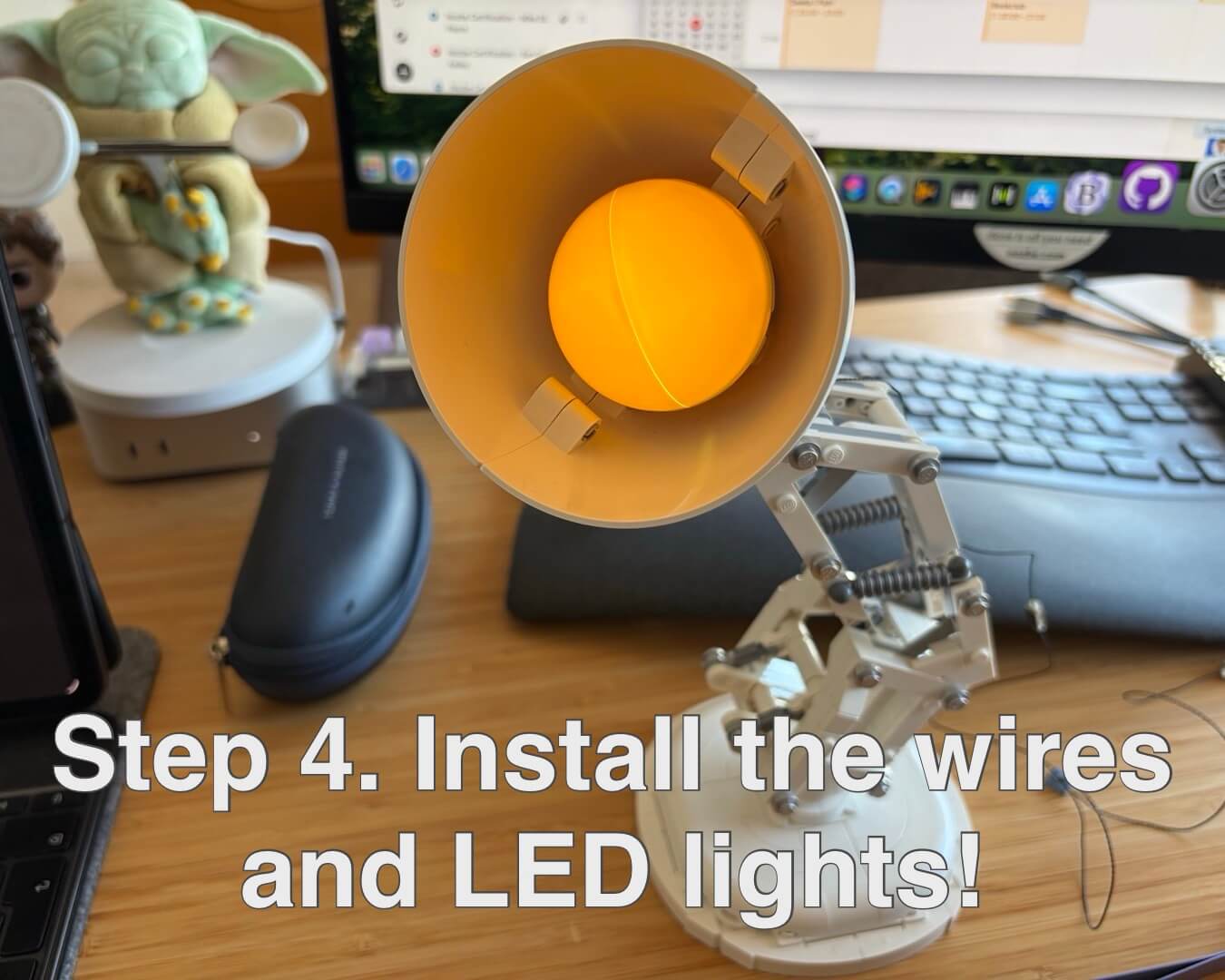
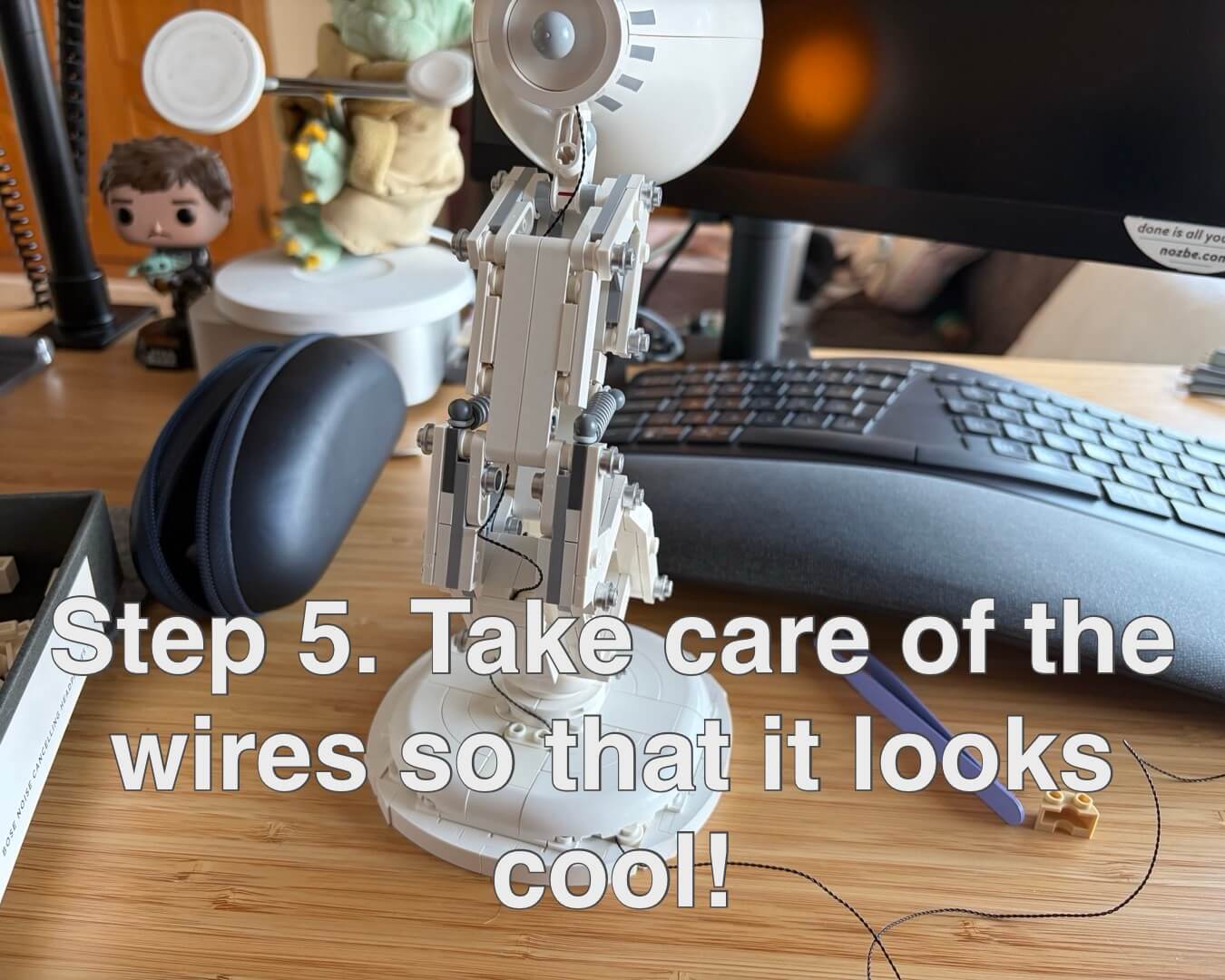
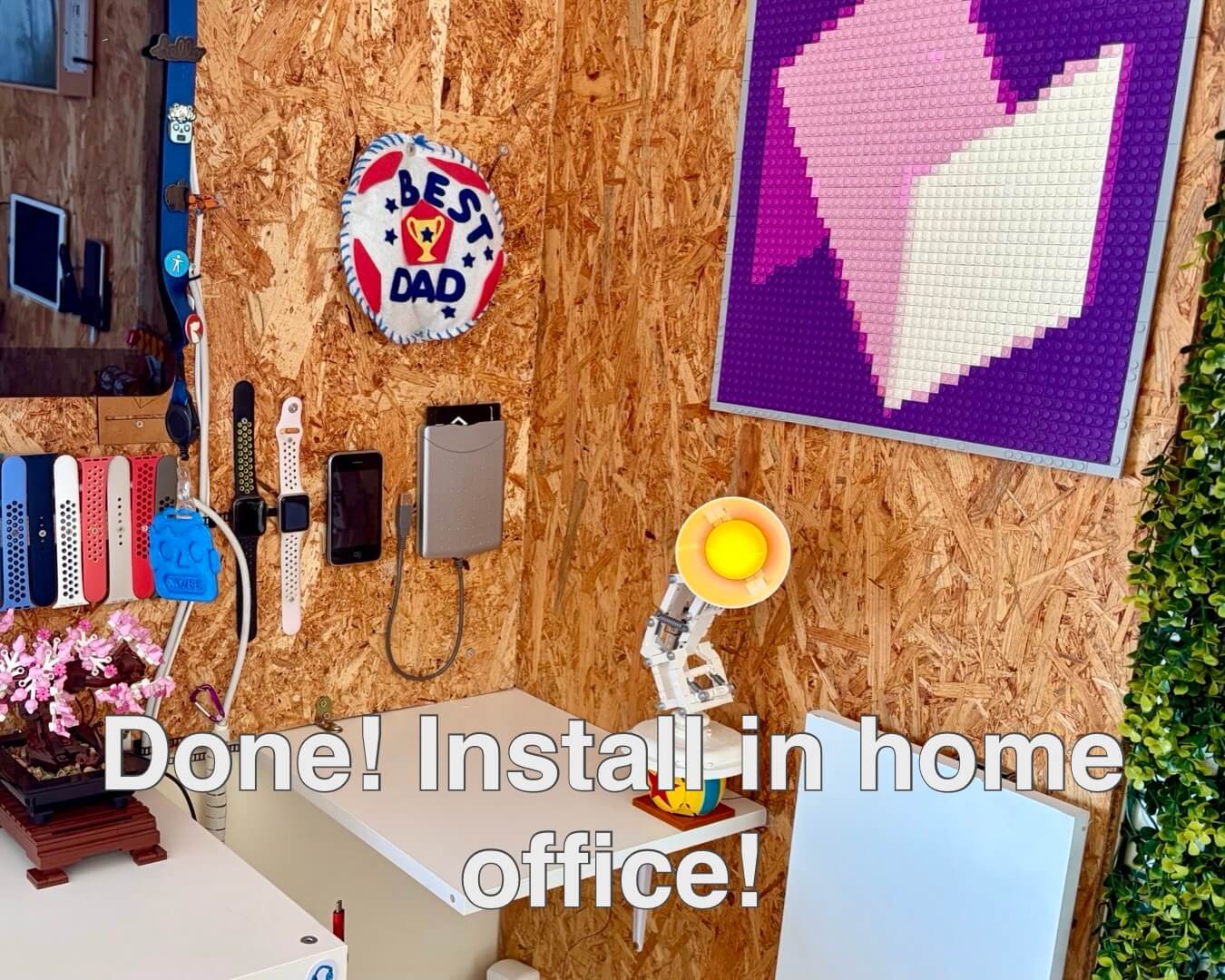
On Friday I posted the LEGO build of my Pixar Lamp and today I was wondering how I was going to share it on social media, especially on my LinkedIn and then I realized that I could use my Tinify Shortcut to create image files in a LinkedIn carousel format (1350 x 1080) and later “glue” them together as a PDF.
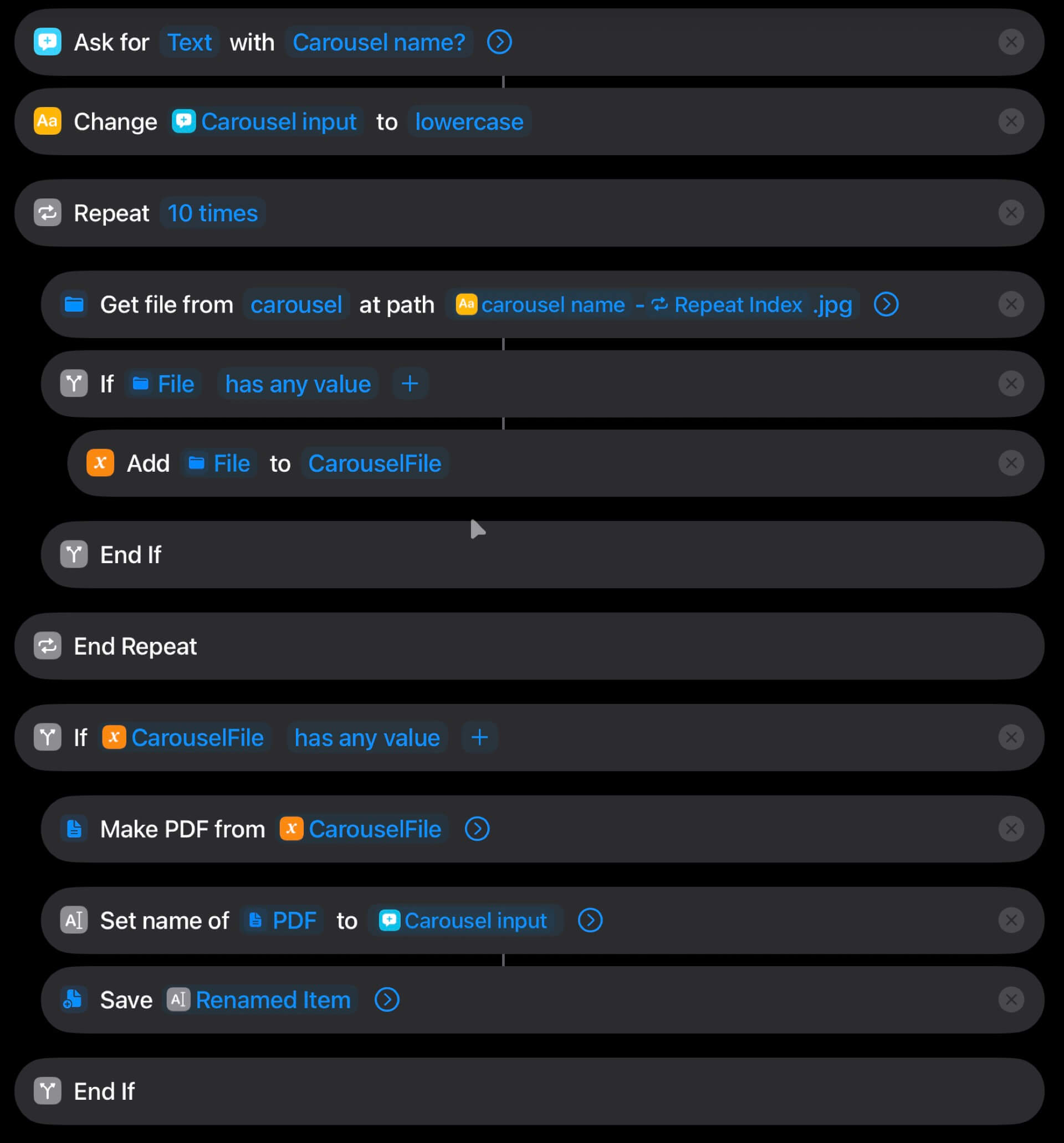
Tinify images with text + a PDF generator
The flow is as follows:
- I choose an image, choose an option in my internal Tinify Shortcut to create a “LinkedIn Carousel” out of it, add text and it generates a file in my repository in the
/carousel/folder - like this one. - I create more images (up to 10) for the same carousel and I always name them with one increment: lamp-1, lamp-2… etc.
- I choose an option to “Generate PDF” and I write the name of the carousel like “lamp” and it finds all these files and creates a PDF file and saves them in my “Downloads” folder. Like this one.
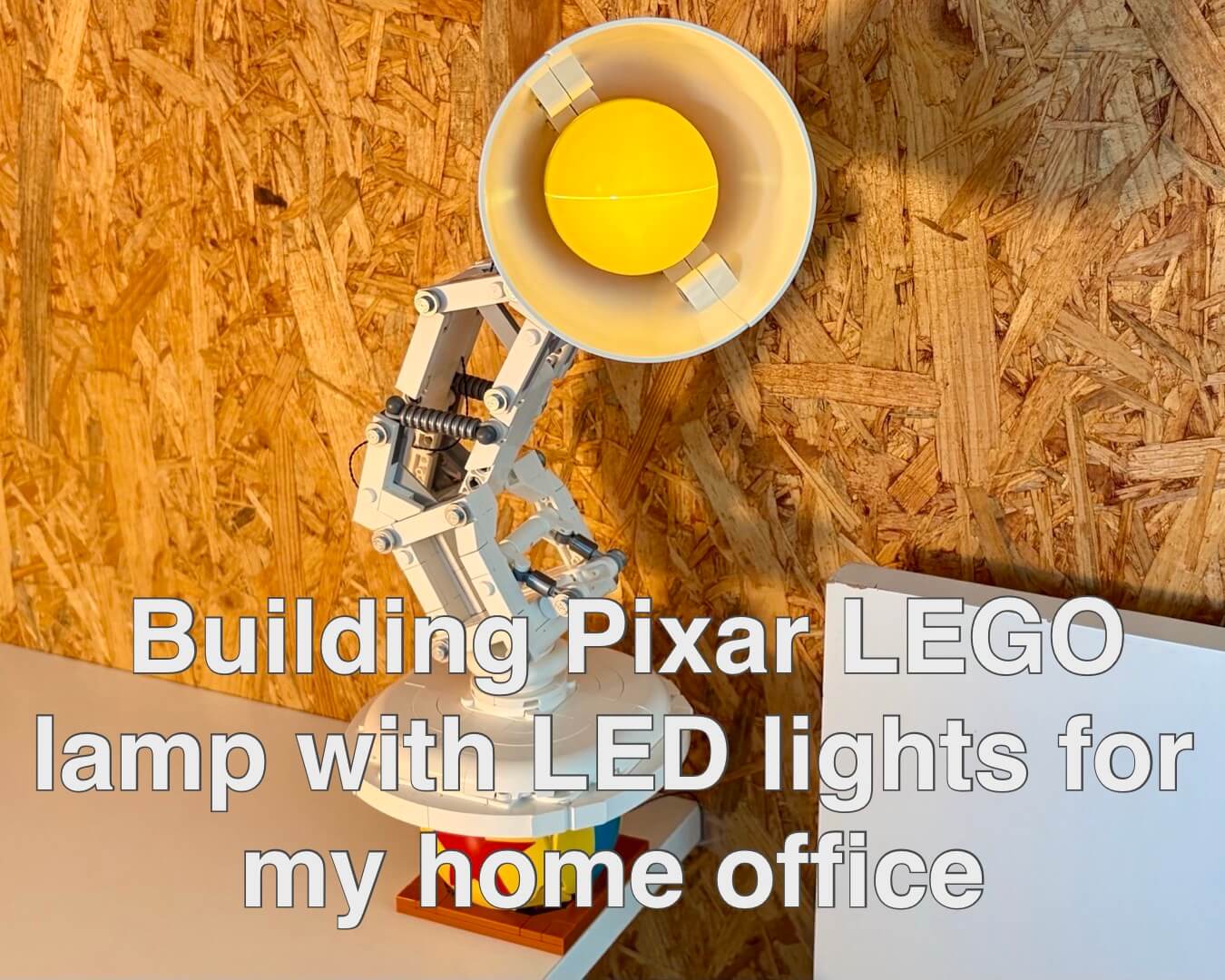
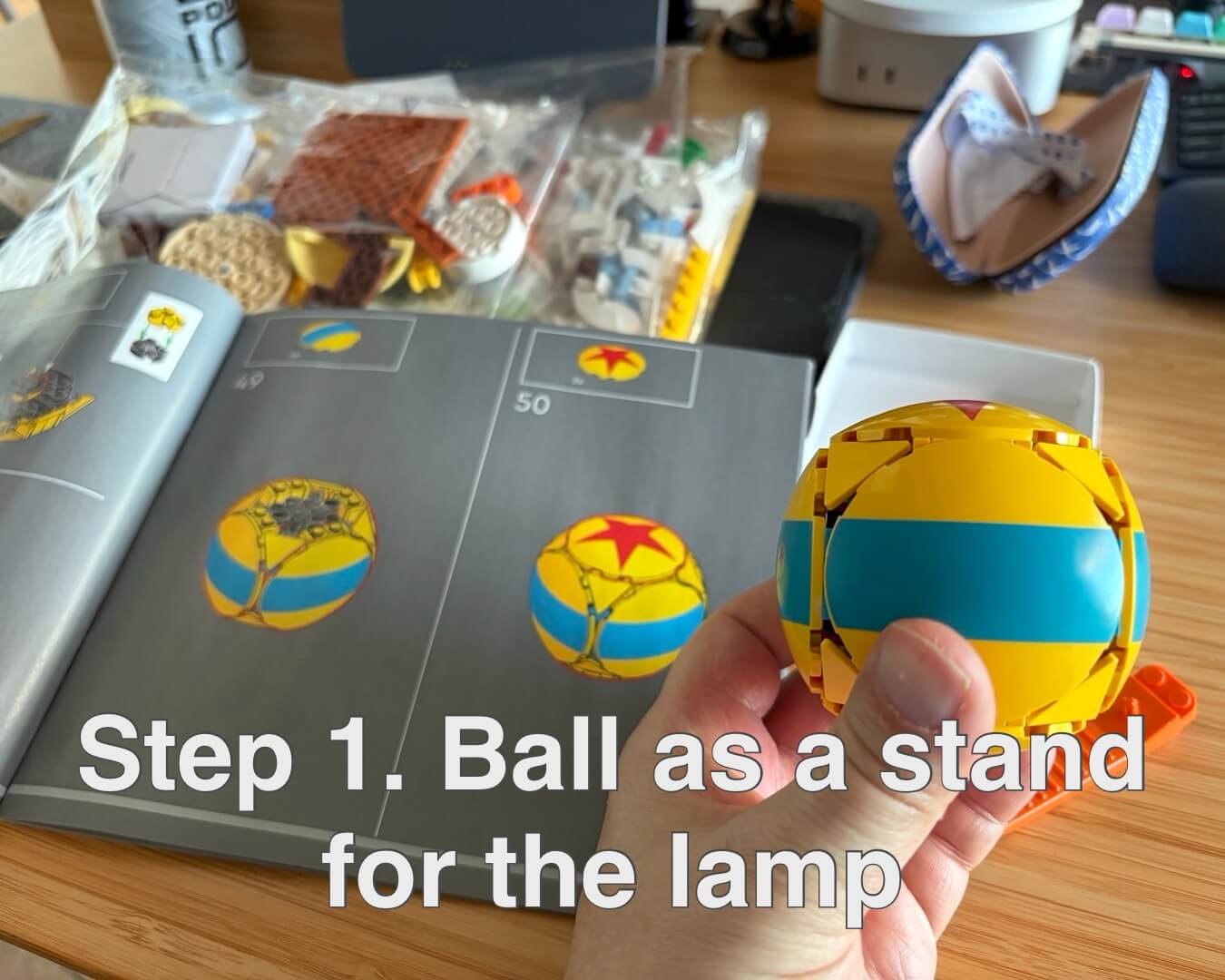
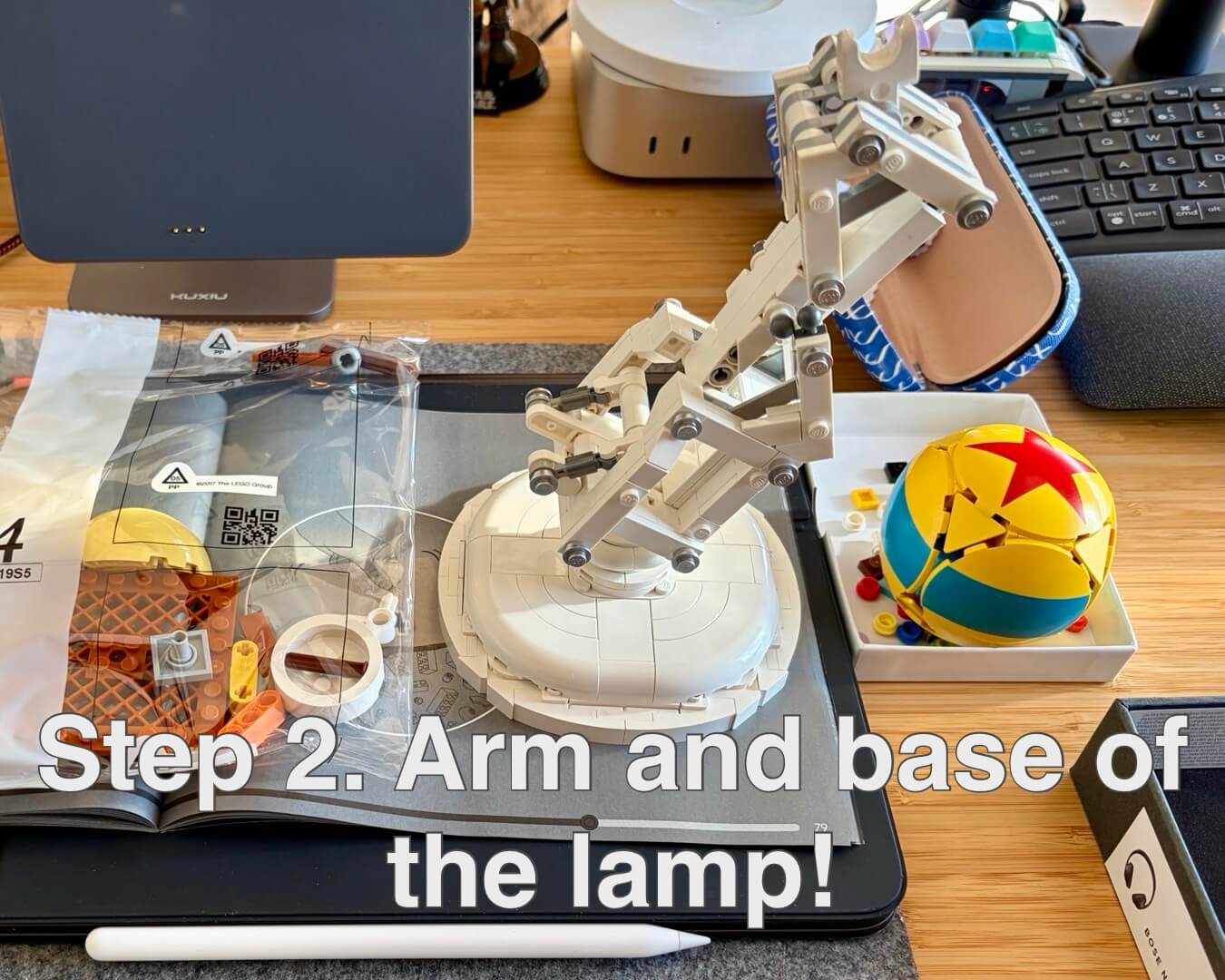
Example of my “Lamp” carousel
Here are the images that contributed to my LinkedIn Post about the Lamp.
I hope you like it.
Monday, March 2, 2026 /carousel/